Less hunting.More doing.
Your notes, websites, screenshots, and clipboard—always on top. One keystroke away.
Everything you need,
always on top
Berri keeps your essential tools floating above everything else. No more tab hunting. No more context switching.
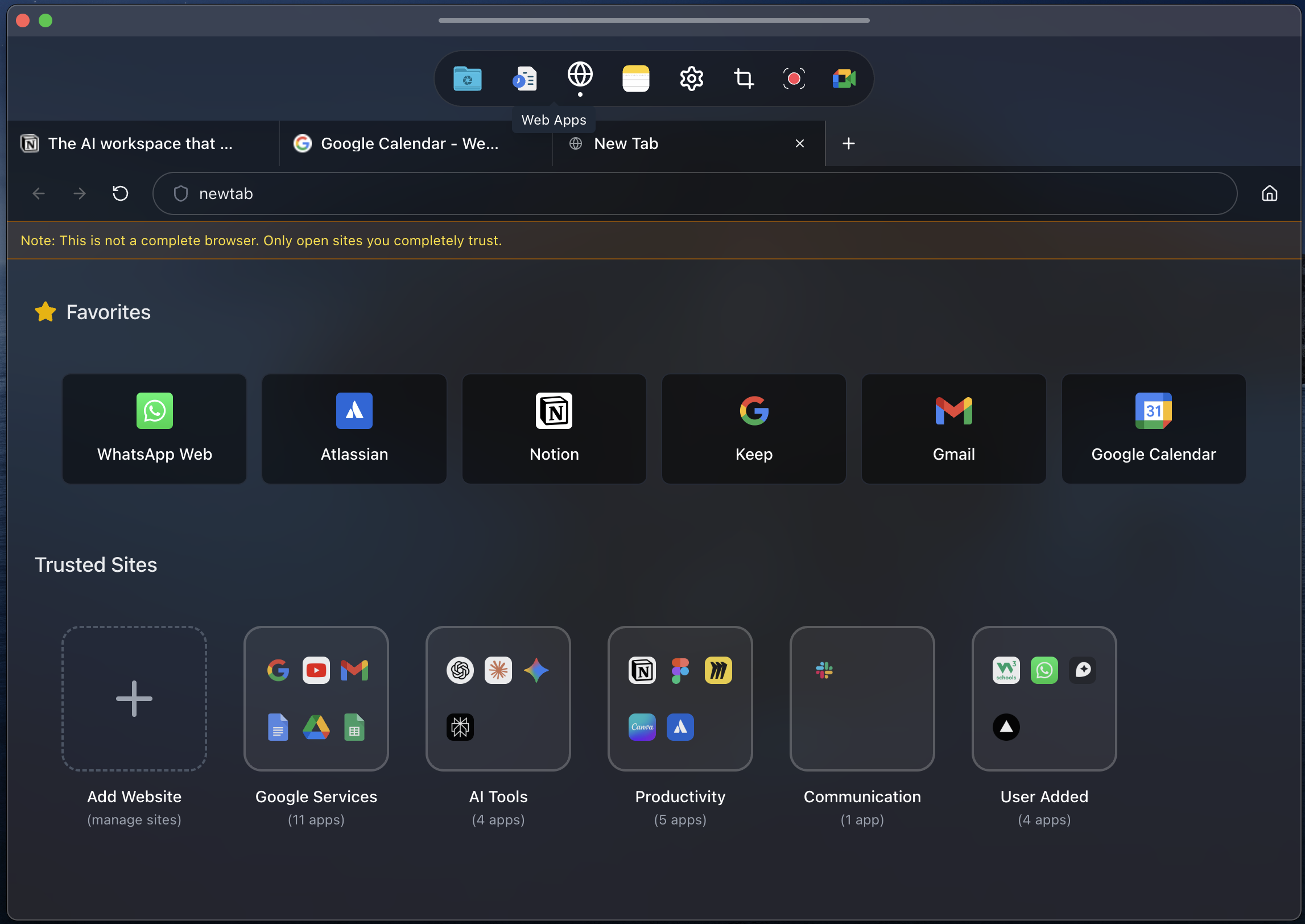
Mini Browser
Pin any website — WhatsApp, Gmail, docs, or dashboards. Browse without leaving your workspace.
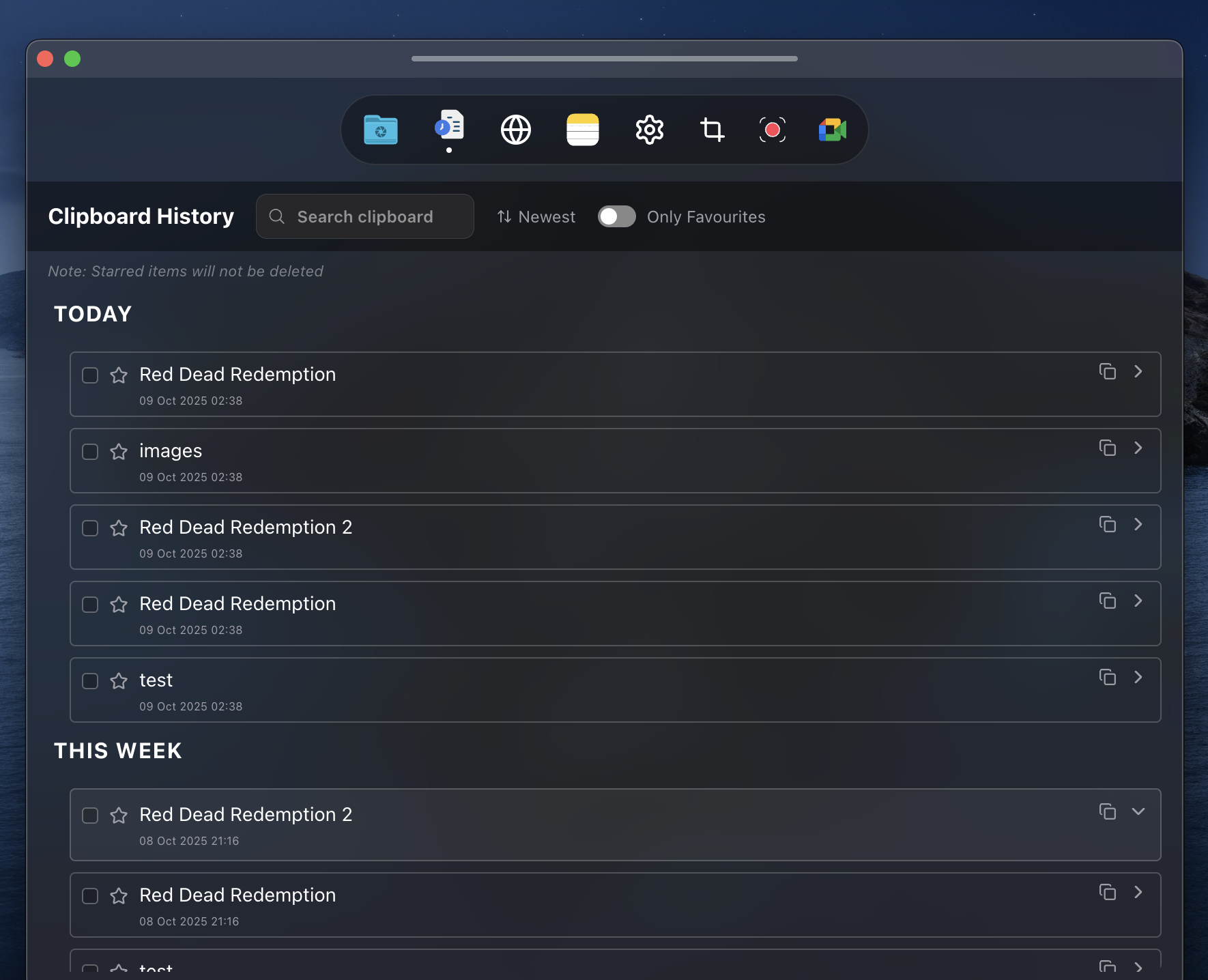
Clipboard History
Never lose copied content again. Search, filter, and paste anything from your history.
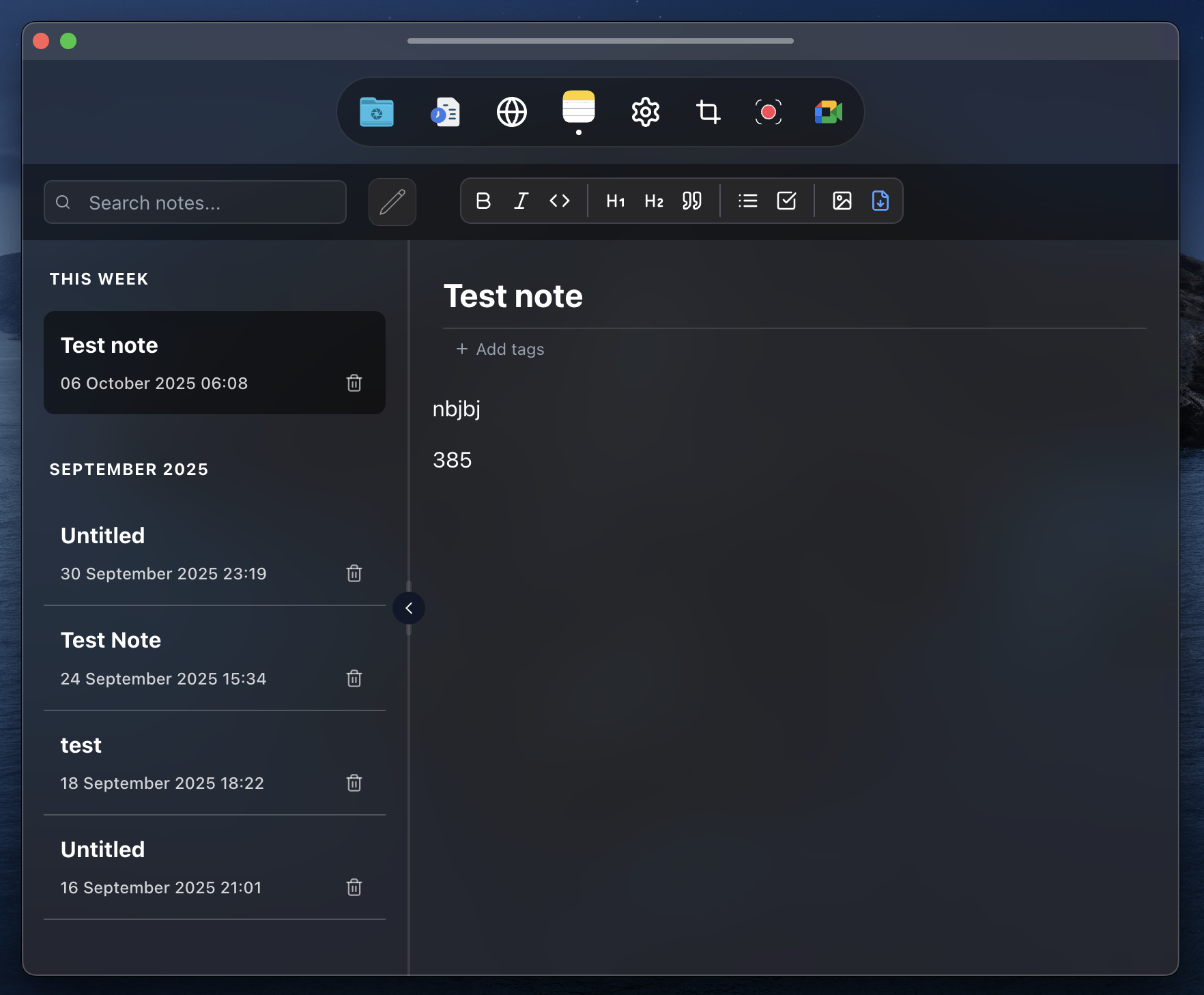
Smart Notes
Jot down quick notes that stay on top. Organize screenshots and snippets into smart folders.
Built for how you
actually work
Every feature solves a real productivity pain point. Here's what changes when your tools stay on top.
Screen Share Privacy
⌘ + Shift + BYou're sharing your screen but need to check private notes
Open Berri with your shortcut — you see it, they don't. Stay professional.
Every shortcut is customizable
Open Berri settings and assign your own keyboard shortcuts. Make it truly yours.
Choose your
Berri plan
Start free or get lifetime access. No subscriptions, no recurring fees.
Free
Try Berri with core features
- 5 Quick Tools
- 1 quick website
- Keyboard shortcuts
Lifetime
Pay once, own it forever
- All Quick Tools
- 12 quick websites
- Keyboard shortcuts
- Hide app while sharing screen
- Lifetime updates
- 2 device activations